 f61ce886a0
This change improves the robustness of the llama.cpp extension's server port selection.

Previously, the `getRandomPort()` method only checked for ports already in use by active sessions, which could lead to model load failures if the chosen port was occupied by another external process.

This change introduces a new Tauri command, `is_port_available`, which performs a system-level check to ensure the randomly selected port is truly free before attempting to start the llama-server. It also adds a retry mechanism with a maximum number of attempts (20,000) to find an available port, throwing an error if no suitable port is found within the specified range after all attempts.

This enhancement prevents port conflicts and improves the reliability and user experience of the llama.cpp extension within Jan.

Closes #5965


Jan - Local AI Assistant





Getting Started - Docs - Changelog - Bug reports - Discord
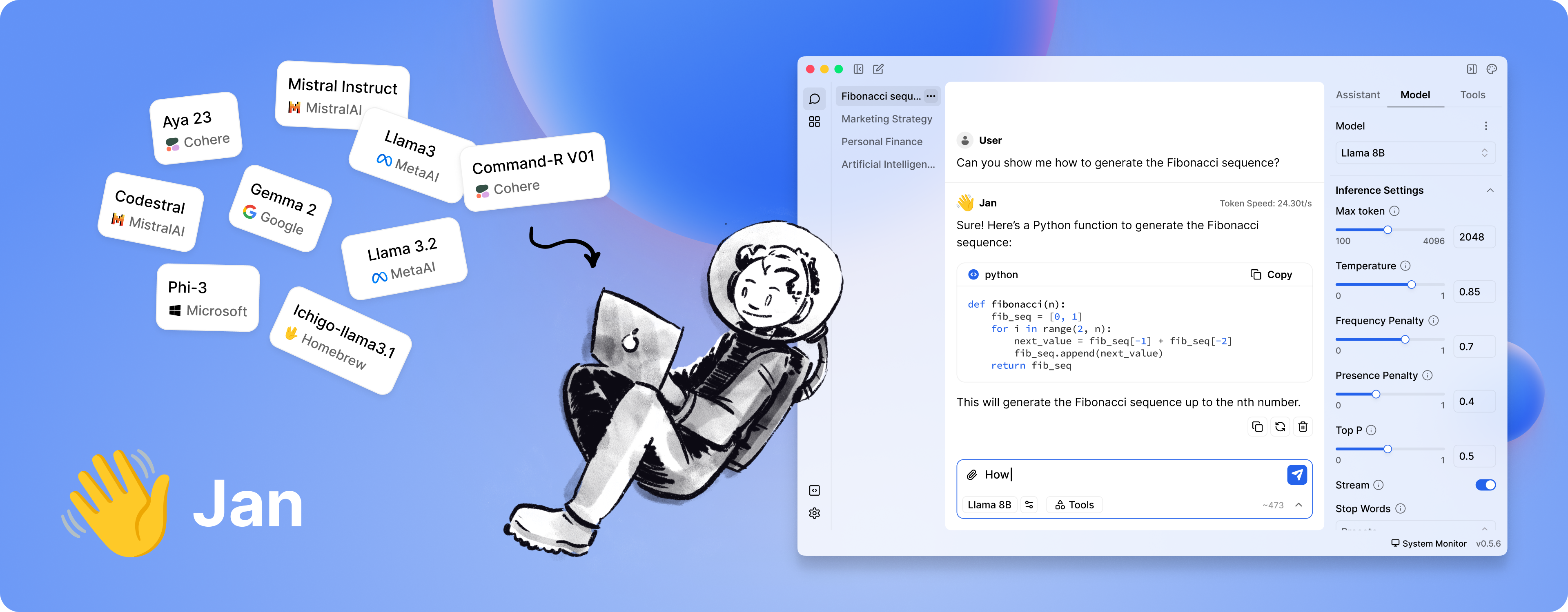
Jan is a ChatGPT-alternative that runs 100% offline on your device. Our goal is to make it easy for a layperson to download and run LLMs and use AI with full control and privacy.
⚠️ Jan is in active development.
Installation
Because clicking a button is still the easiest way to get started:
| Platform | Stable | Beta | Nightly |
| Windows | jan.exe | jan.exe | jan.exe |
| macOS | jan.dmg | jan.dmg | jan.dmg |
| Linux (deb) | jan.deb | jan.deb | jan.deb |
| Linux (AppImage) | jan.AppImage | jan.AppImage | jan.AppImage |
Download from jan.ai or GitHub Releases.
Demo
Features
- Local AI Models: Download and run LLMs (Llama, Gemma, Qwen, etc.) from HuggingFace
- Cloud Integration: Connect to OpenAI, Anthropic, Mistral, Groq, and others
- Custom Assistants: Create specialized AI assistants for your tasks
- OpenAI-Compatible API: Local server at
localhost:1337for other applications - Model Context Protocol: MCP integration for enhanced capabilities
- Privacy First: Everything runs locally when you want it to
Build from Source
For those who enjoy the scenic route:
Prerequisites
- Node.js ≥ 20.0.0
- Yarn ≥ 1.22.0
- Make ≥ 3.81
- Rust (for Tauri)
Run with Make
git clone https://github.com/menloresearch/jan
cd jan
make dev
This handles everything: installs dependencies, builds core components, and launches the app.
Available make targets:
make dev- Full development setup and launchmake build- Production buildmake test- Run tests and lintingmake clean- Delete everything and start fresh
Run with Mise (easier)
You can also run with mise, which is a bit easier as it ensures Node.js, Rust, and other dependency versions are automatically managed:
git clone https://github.com/menloresearch/jan
cd jan

# Install mise (if not already installed)
curl https://mise.run | sh

# Install tools and start development
mise install    # installs Node.js, Rust, and other tools
mise dev        # runs the full development setup
Available mise commands:
mise dev- Full development setup and launchmise build- Production buildmise test- Run tests and lintingmise clean- Delete everything and start freshmise tasks- List all available tasks
Manual Commands
yarn install
yarn build:core
yarn build:extensions
yarn dev
System Requirements
Minimum specs for a decent experience:
- macOS: 13.6+ (8GB RAM for 3B models, 16GB for 7B, 32GB for 13B)
- Windows: 10+ with GPU support for NVIDIA/AMD/Intel Arc
- Linux: Most distributions work, GPU acceleration available
For detailed compatibility, check our installation guides.
Troubleshooting
When things go sideways (they will):
- Check our troubleshooting docs
- Copy your error logs and system specs
- Ask for help in our Discord
#🆘|jan-helpchannel
We keep logs for 24 hours, so don't procrastinate on reporting issues.
Contributing
Contributions welcome. See CONTRIBUTING.md for the full spiel.
Links
- Documentation - The manual you should read
- API Reference - For the technically inclined
- Changelog - What we broke and fixed
- Discord - Where the community lives
Contact
- Bugs: GitHub Issues
- Business: hello@jan.ai
- Jobs: hr@jan.ai
- General Discussion: Discord
Trust & Safety
Friendly reminder: We're not trying to scam you.
- We won't ask for personal information
- Jan is completely free (no premium version exists)
- We don't have a cryptocurrency or ICO
- We're bootstrapped and not seeking your investment (yet)
License
Apache 2.0 - Because sharing is caring.
Acknowledgements
Built on the shoulders of giants: