4.2 KiB
SpatialTrackerV3: 3D Point Tracking Made Easy
CAD&CG, Zhejiang University; University of Oxford; Ant Research; Pixelwise AI; ByteDance Seed
Yuxi Xiao, Jianyuan Wang, Nan Xue, Nikita Karaev, Iurii Makarov, Bingyi Kang, Xin Zhu, Hujun Bao, Yujun Shen, Xiaowei Zhou
Project Page | BibTeX | Goolge Drive



TODO List
-
Release Offline Version
SpaTrack3+Moge➔ supportsunposed RGBas input.SpaTrack3+MegaSAM➔ supportsPosed RGBDas input.SpaTrack3+VGGT➔ makeVGGTworks inDynamic Scenes.
-
Release Online Version
- Sliding windows version.
-
More Releases
- Some
Ceres Python Bindingsdesigned for SpatialTracker and Dynamic Reconstruction. - More supports for other Depth Model, i.e.,
DepthAnything,StereoFoundation,UniDepth,Metric3D.
- Some
Set up the environment
To set up the environment for running the SpaTrack model, follow these steps:
-
Clone the Repository:
git clone git@github.com:henry123-boy/SpaTrackerV3.git cd SpaTrackerV3 -
Create a Virtual Environment: It's recommended to use a virtual environment to manage dependencies.
conda create -n SpaTrack3 python=3.11 conda activate SpaTrack3 -
Install Dependencies:
Install the torch dependencies
pip(tested withtorch2.4).python -m pip install torch==2.4.1 torchvision==0.19.1 torchaudio==2.4.1 --index-url https://download.pytorch.org/whl/cu124Install the required Python packages using
pip.python -m pip install -r requirements.txt -
Install SpaTrack3 Visualizer:
cd viser
python -m pip install -e .
By following these steps, you should have a working environment ready to run the SpaTrack model.
Download the Checkpoints
mkdir -p checkpoints
Step1: Download the checkpoint of Moge from here, and put the model.pt into ./checkpoints/
Step2: Download the checkpoint of SpaTrack3 from GoolgeDrive, and place it into ./checkpoints/
Quick Start
We gave two examples to illustrate the usage of SpaTrack3. Firstly, please download ckpts and examples via:
sh scripts/download.sh
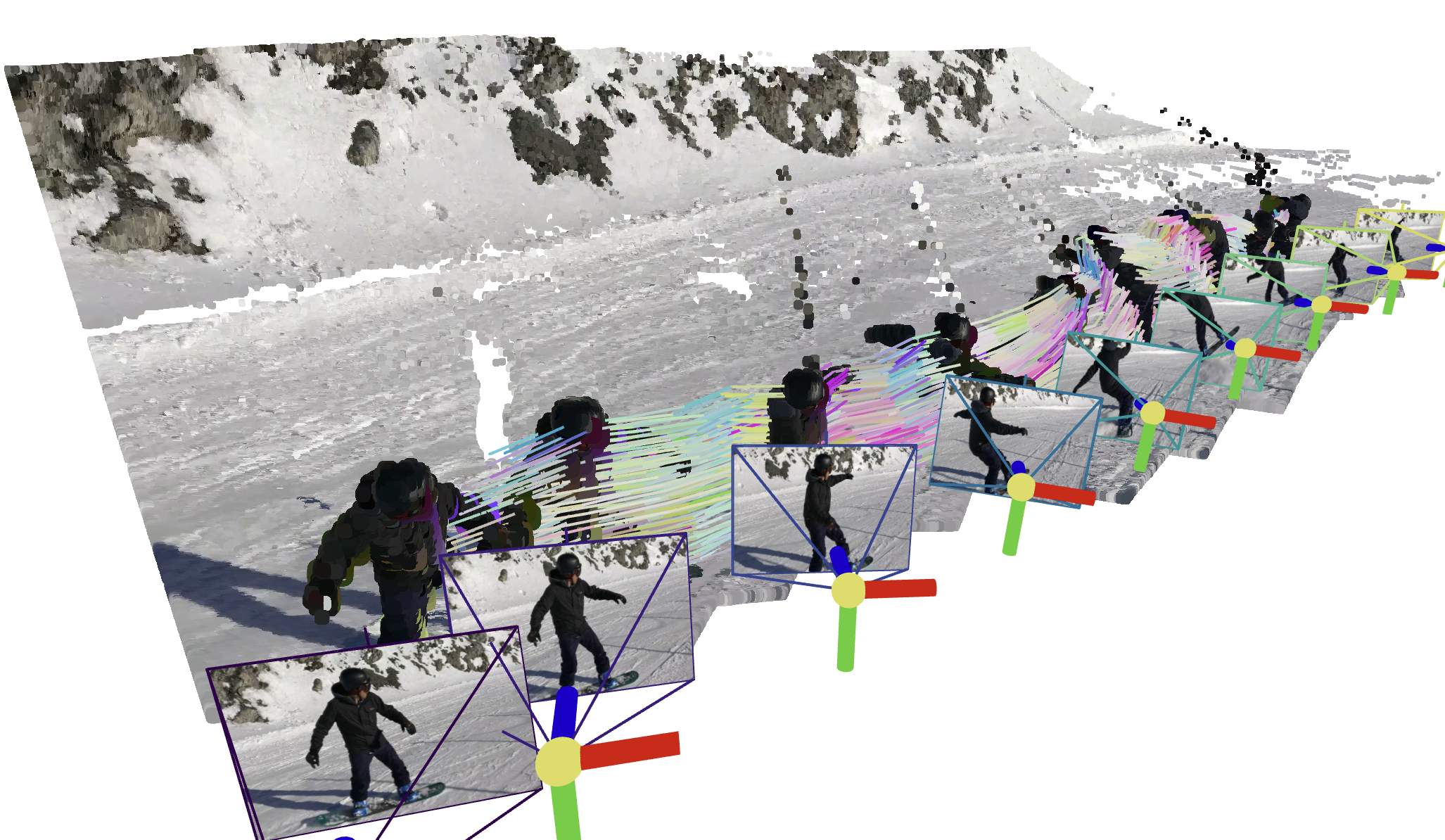
Type1: Posed RGBD video (Example0)
We provide an example who has Posed RGBD input with MegaSAM.
python inference.py --data_type="RGBD" --data_dir="assets/example0" --video_name="snowboard" --fps=1
Type2: unposed RGB video (Example1)
python inference.py --data_type="RGB" --data_dir="assets/example1" --video_name="xhs" --fps=6
Visualize your results
We provide two types of visualization. The guidance will be displayed in the terminal after running inference.py
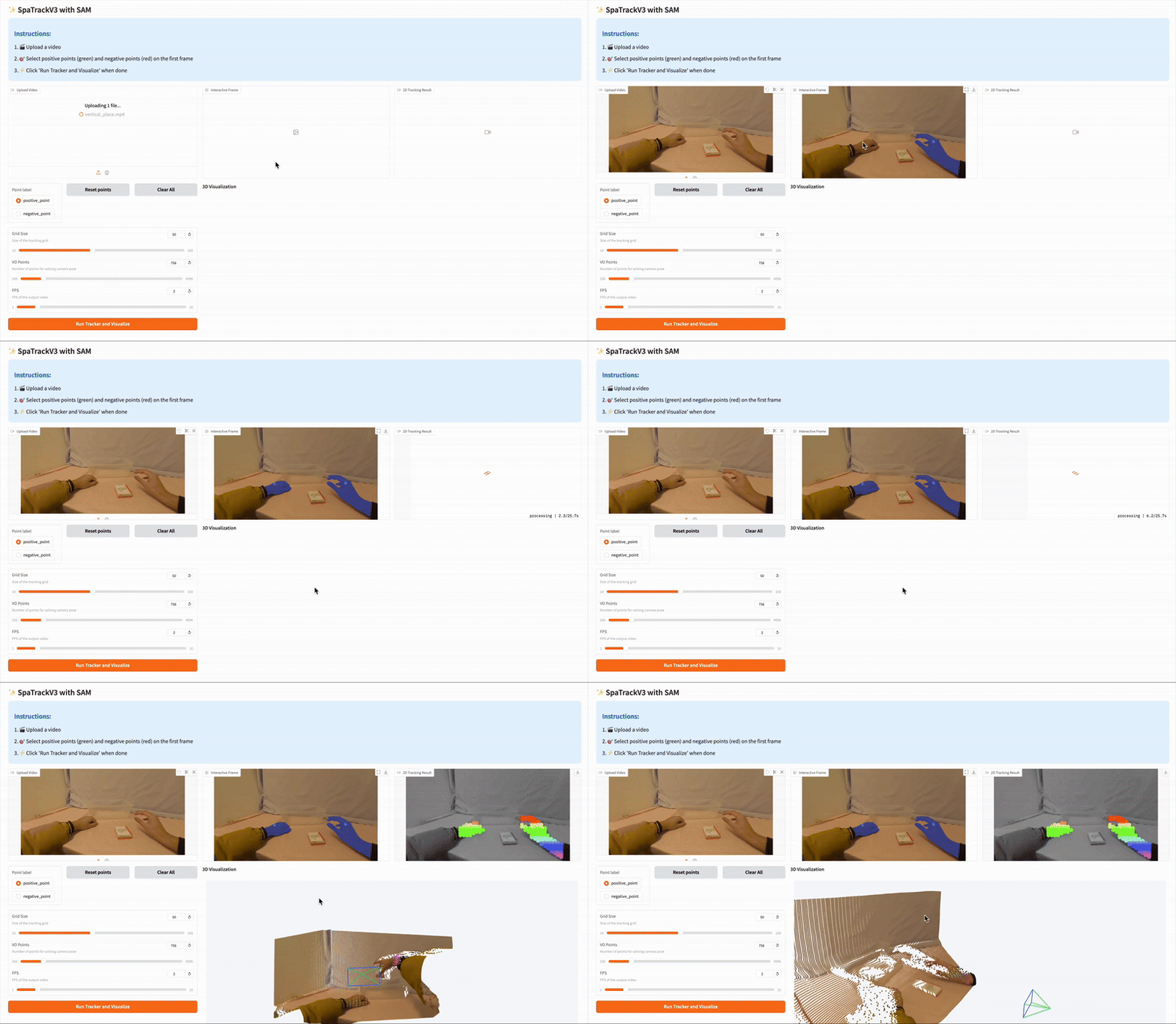
🌟 Recommended: Gradio Demo with SAM 🌟
Please follow the instructions in the app_3rd README to configure the dependencies. Then,
python -m pip install gradio==5.31.0 pako
Our gradio demo enable the user to track the points on the target object easily, just try:
python app.py